OrbbecSDK_v2
C++ Sample: 1.stream.confidence
Overview
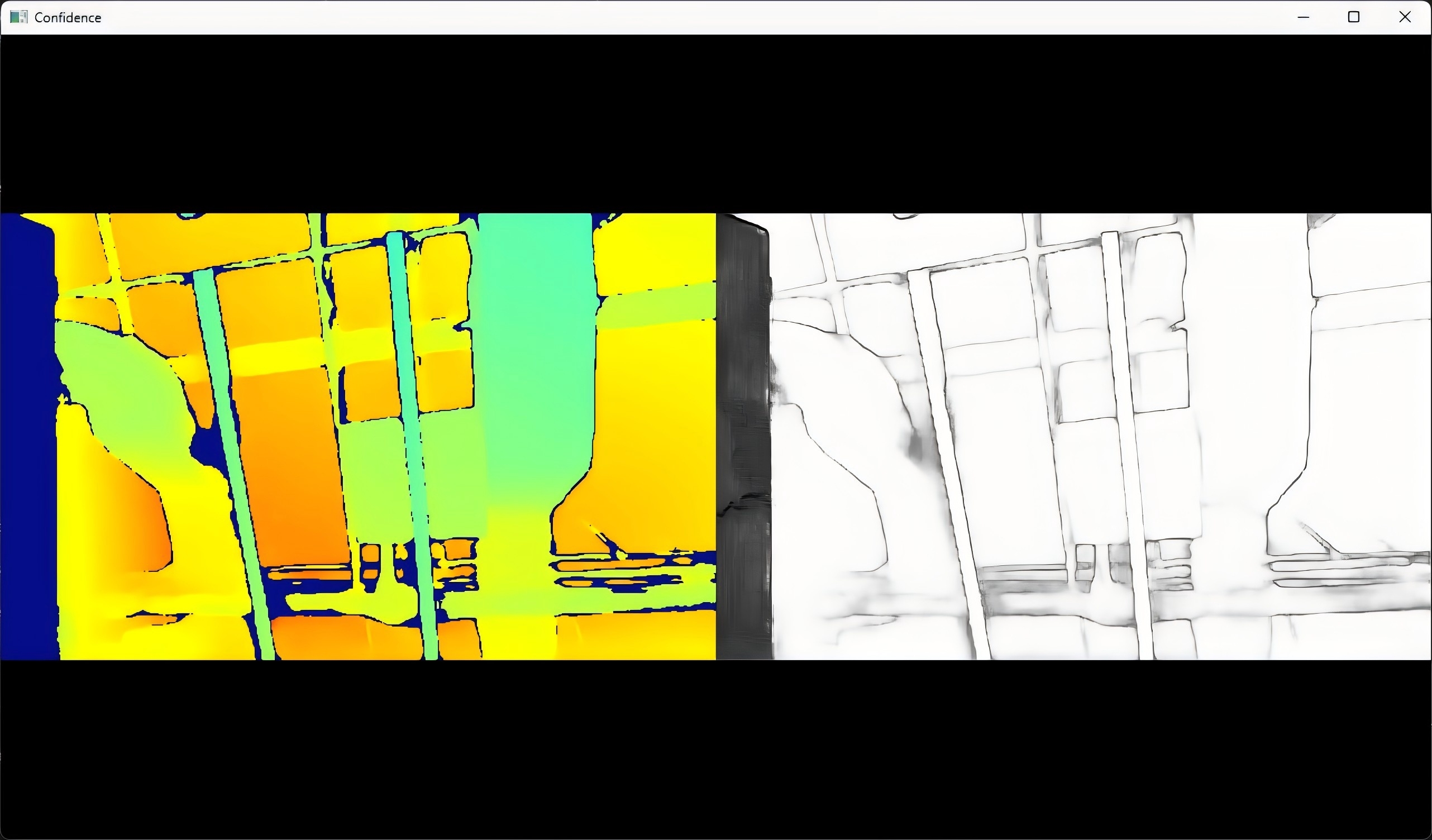
Use the SDK interface to obtain the depth and confidence stream of the camera and display them in the window
Knowledge
Enabling the confidence stream requires the depth stream to be active, and its resolution and frame rate must match the depth stream’s.
Code overview
-
Configure the depth and confidence streams, then start the pipeline with this configuration. All stream configurations must be completed before calling pipe.start().
// By creating config to configure which streams to enable or disable for the pipeline, here the depth stream will be enabled. std::shared_ptr<ob::Config> config = std::make_shared<ob::Config>(); // Enable depth stream. config->enableVideoStream(OB_STREAM_DEPTH); // Enable confidence stream. The resolution and fps of confidence must match depth stream. auto enabledProfiles = config->getEnabledStreamProfileList(); if(enabledProfiles) { for(uint32_t i = 0; i < enabledProfiles->getCount(); i++) { auto profile = enabledProfiles->getProfile(i); if(profile && profile->getType() == OB_STREAM_DEPTH) { auto depthProfile = profile->as<ob::VideoStreamProfile>(); if(depthProfile) { config->enableVideoStream(OB_STREAM_CONFIDENCE, depthProfile->getWidth(), depthProfile->getHeight(), depthProfile->getFps()); } break; } } } -
After waiting for a while, get the depth and confidence stream in the frameset and display them in the window
     while(win.run()) {
         // Wait for up to 100ms for a frameset in blocking mode.
         auto frameSet = pipe.waitForFrameset(100);
         if(frameSet == nullptr) {
             continue;
         }
         // Render frame in the wisndow.
         win.pushFramesToView(frameSet);
     }
Run Sample
Press the Esc key in the window to exit the program.
Result